
WiFi QR Code Generator
Generate a QR code that connects any phone to your WiFi network instantly. Supports WPA, WEP, and open networks with hidden SSID option.
Supported formats
How to use WiFi QR Code Generator
- 1
Enter your WiFi network name (SSID) exactly as it appears on the router.
- 2
Type the WiFi password — it's only used locally in your browser.
- 3
Pick the encryption type (WPA/WPA2 for most networks, WEP for old ones, None for open).
- 4
Toggle the Hidden Network option if your SSID is not broadcast publicly.
- 5
Download the generated QR code as a PNG and print or display it for guests to scan.
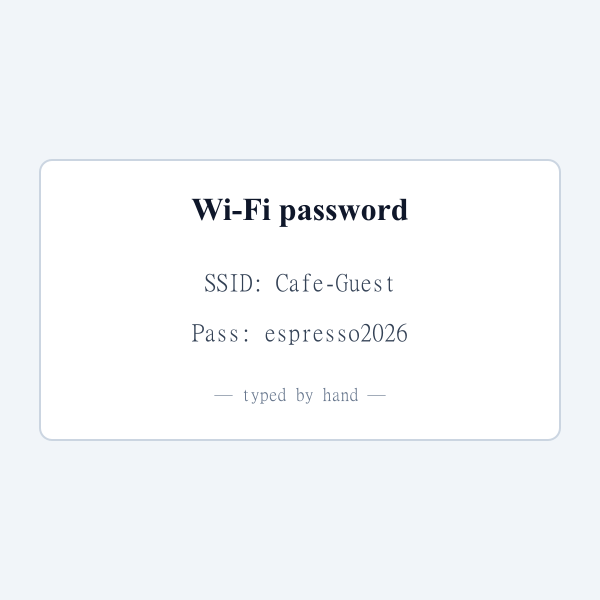
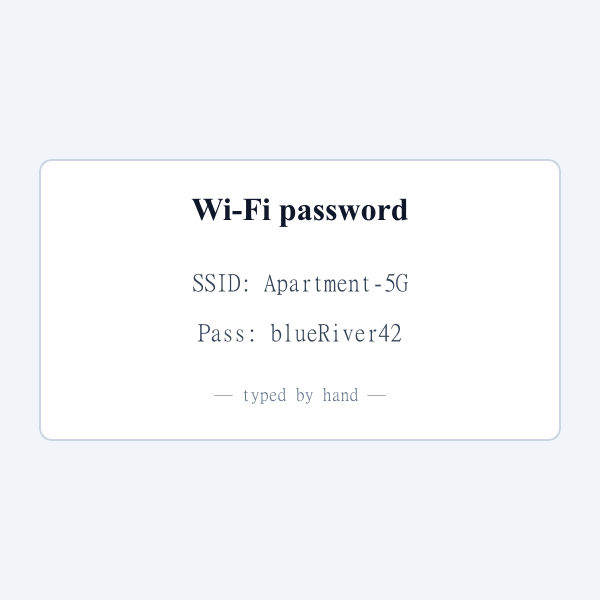
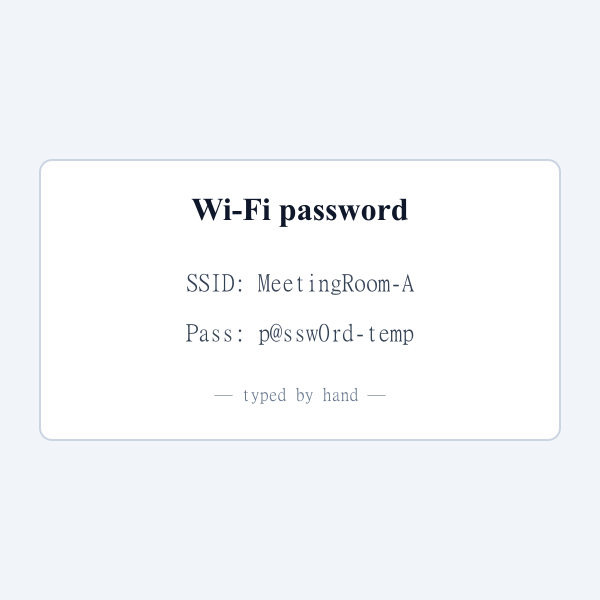
Real examples of WiFi QR Code Generator in action



Who is WiFi QR Code Generator for?
Cafes, restaurants, and coworking spaces offering guest WiFi
Airbnb and rental hosts including WiFi in welcome packets
Offices managing visitor WiFi without IT tickets
Event organizers distributing conference WiFi access
Homeowners tired of reciting long passwords to guests
Why use WiFi QR Code Generator?
- Guests connect with one scan — no more reciting passwords out loud or sending SMS.
- WiFi credentials never leave your browser, so passwords stay safe from third-party services.
- Supports WPA2, WEP, and open networks plus hidden SSIDs.
- Printable output is perfect for coffee shops, offices, rentals, and guest rooms.
- Completely free with no scan limits or subscriptions.
Common use cases
- Put a QR sticker on the wall at a cafe or coworking space so customers connect instantly.
- Include a WiFi QR in an Airbnb or rental welcome packet so guests get online in seconds.
- Display a lobby or reception QR for visitors at your office without sharing the password verbally.
- Stick a WiFi QR on the fridge or near the router at home so house guests self-connect.
- Print WiFi QRs on event badges or signage at conferences and meetups.
Limitations & things to know
- Network must remain within range of the scanner
- Some very old Android phones need a separate QR scanner app
- WEP is supported but insecure — upgrade to WPA2 if possible
About WiFi QR Code Generator
Sharing your WiFi password by reading it aloud or texting it is slow and error-prone. A WiFi QR code fixes that: guests open their camera, point at the QR, and tap the connect prompt. That's it. Xevon Tools' WiFi QR Code Generator creates these codes entirely in your browser using the standard WiFi QR format (WIFI:T:WPA;S:MySSID;P:MyPassword;;). Because the encoding happens locally, your network password never leaves your device — a crucial detail when so many other online WiFi QR generators upload your credentials to their servers. Support includes WPA/WPA2, WEP, and open networks, plus a toggle for hidden SSIDs. The output is a high-resolution PNG perfect for printing on stickers, reception signs, Airbnb welcome cards, or office lobby displays. It's the fastest, safest way to put self-service WiFi in any space.
Frequently asked questions
Embed WiFi QR Code Generator on your site
Add this tool to your own website, blog, or internal tool page with one line of code. Free to use, no attribution required (but appreciated).
<iframe src="https://www.xevontools.com/embed/qr-wifi-generator" width="100%" height="640" style="border:1px solid #e2e8f0;border-radius:12px;" title="WiFi QR Code Generator — Xevon Tools"></iframe>