
QR Code Generator
Generate QR codes for any text or URL with customizable size, error correction, and colors. Download as PNG or SVG, 100% client-side.
Supported formats
How to use QR Code Generator
- 1
Type or paste the text, URL, or data you want to encode into the input field.
- 2
Adjust the size slider and pick your preferred error correction level (higher levels survive more damage).
- 3
Customize the foreground and background colors to match your brand.
- 4
Click Generate to preview the QR code live in your browser.
- 5
Download the result as a PNG (for print/web) or SVG (for scalable vector use).
Real examples of QR Code Generator in action
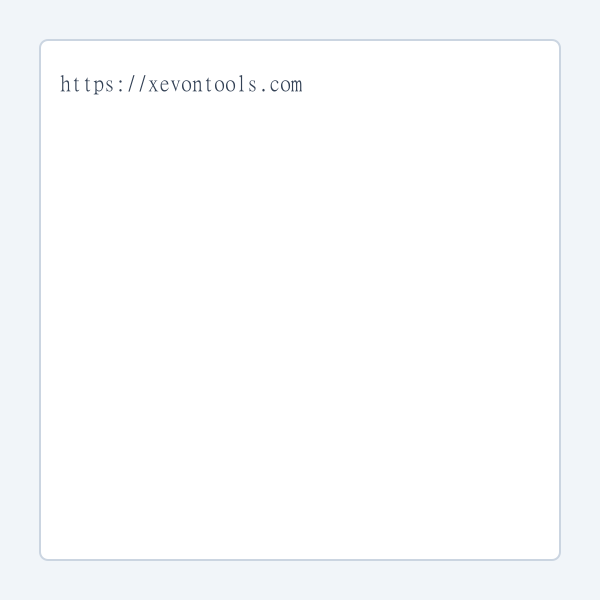

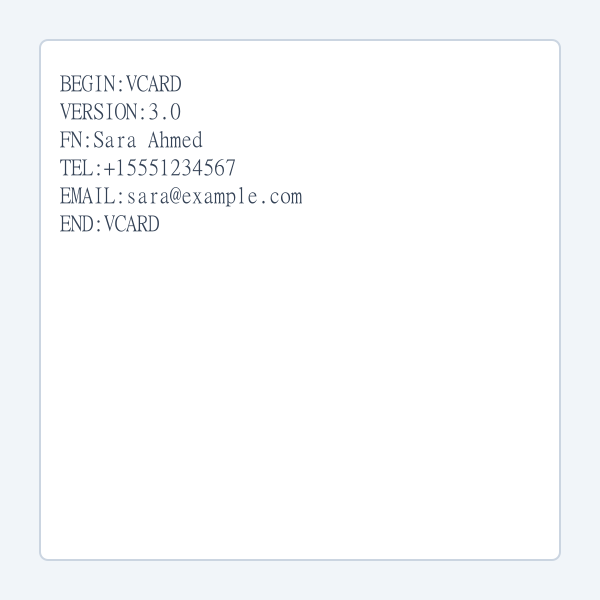

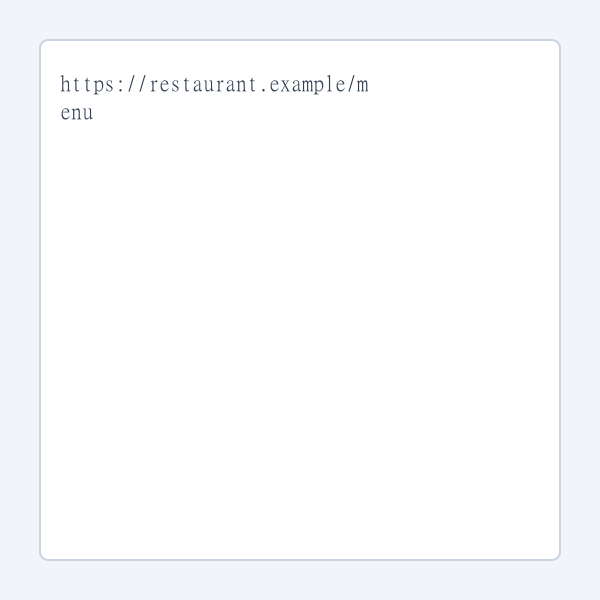

Who is QR Code Generator for?
Small business owners adding QR menus or contactless checkout
Event organizers sharing tickets, maps, or schedules
Marketers linking offline ads to online campaigns
Developers who need quick QR codes for testing or demos
Teachers distributing lesson resources or assignments
Why use QR Code Generator?
- Runs 100% in your browser — no data is ever sent to a server, so sensitive URLs and WiFi passwords stay private.
- Customize colors, size, and error correction to match your brand and use case.
- Both PNG (raster) and SVG (vector) downloads are supported for any medium.
- Higher error correction levels still scan reliably even when the QR code is partly obscured or damaged.
- Completely free, no watermarks, no sign-up, no daily limits.
Common use cases
- Generate QR codes for restaurant menus, event tickets, or product packaging.
- Share WiFi credentials with guests without them having to type the password.
- Put QR codes on business cards that open your LinkedIn or portfolio.
- Create QR codes for marketing campaigns, posters, or flyers that link to landing pages.
- Encode payment URLs, app store links, or contact vCards for quick mobile access.
Limitations & things to know
- Maximum ~4,296 alphanumeric characters
- Does not generate dynamic QR codes (no URL shortening or analytics)
- No logo-in-center support yet
About QR Code Generator
QR codes are everywhere — from restaurant menus and event tickets to business cards and marketing flyers. Xevon Tools' QR Code Generator lets you create high-quality, customizable QR codes instantly in your browser. Choose from four error correction levels (L, M, Q, H) to balance density against damage tolerance, pick custom foreground and background colors to match your brand, and download the result as a PNG raster image or a crisp SVG vector. Because generation runs entirely client-side, any text you encode — including WiFi passwords, private URLs, or contact information — never leaves your device. There are no watermarks, no account requirements, no scanning limits, and no hidden fees. Whether you're creating a single QR for a business card or batches for a product line, this tool handles the job with professional quality and complete privacy.
Frequently asked questions
Embed QR Code Generator on your site
Add this tool to your own website, blog, or internal tool page with one line of code. Free to use, no attribution required (but appreciated).
<iframe src="https://www.xevontools.com/embed/qr-code-generator" width="100%" height="640" style="border:1px solid #e2e8f0;border-radius:12px;" title="QR Code Generator — Xevon Tools"></iframe>