
Grayscale Image
Convert any image to grayscale in your browser.
How to use Grayscale Image
- 1
Upload one or more JPG, PNG, or WebP images by dropping them onto the upload area.
- 2
The tool automatically converts each image to grayscale using perceptual luminance weighting.
- 3
Preview the black-and-white results to confirm the tonal balance looks right.
- 4
Download each converted image individually or process the entire batch.
Real examples of Grayscale Image in action


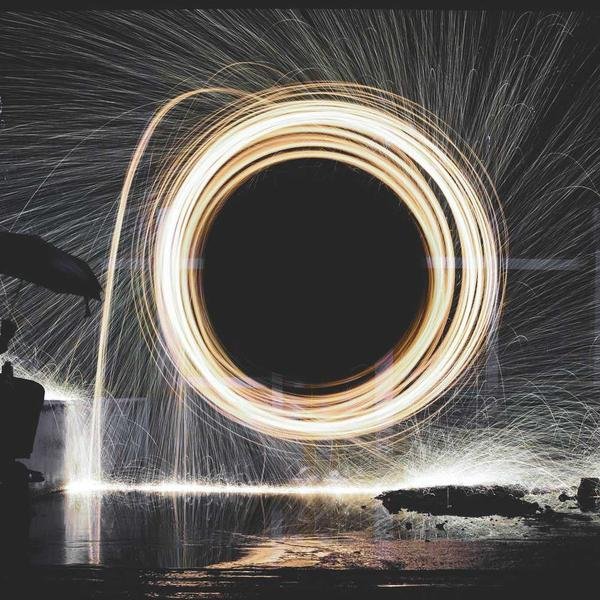
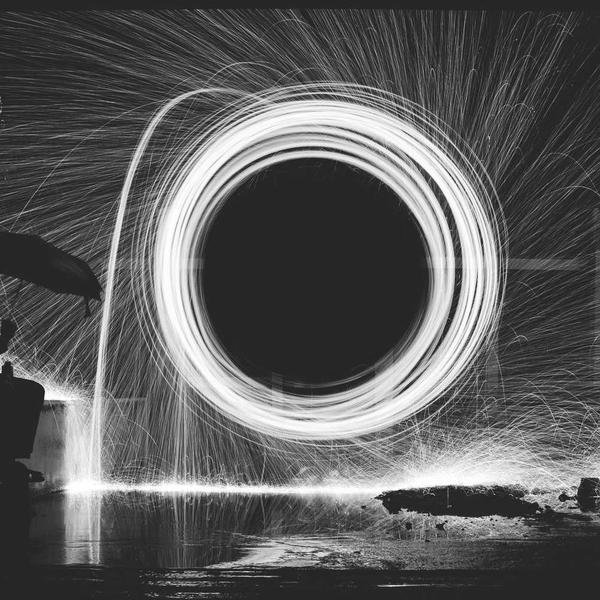

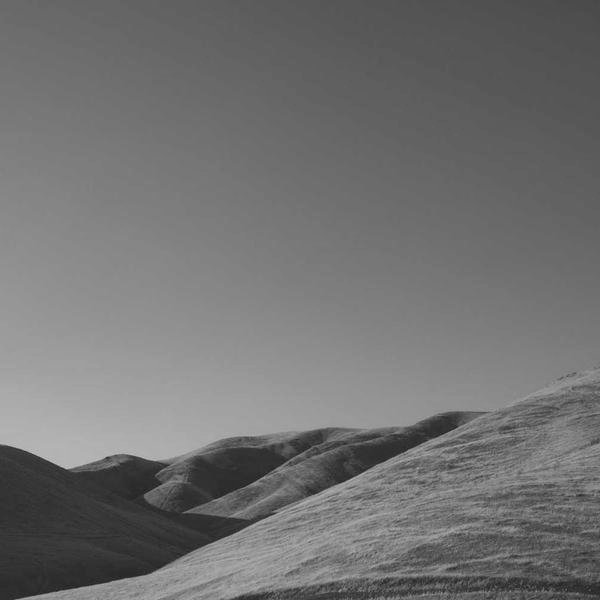
Why use Grayscale Image?
- One-click conversion with no manual adjustments needed for a clean grayscale result.
- Uses perceptual luminance weighting (not a simple average) for natural-looking tonal balance.
- Batch processing handles multiple images at once.
- Runs entirely in your browser — no uploads, no account, no watermarks.
Common use cases
- Create black-and-white versions of photos for a consistent monochrome gallery or portfolio.
- Convert product photos to grayscale for use as background or placeholder images.
- Prepare images for print media or publications that use monochrome layouts.
- Apply a classic film look to portraits or street photography for social media posts.
About Grayscale Image
Converting photos to grayscale is a timeless technique used in photography, graphic design, and print production. Xevon Tools' Grayscale Image converter uses perceptual luminance weighting to produce natural-looking black-and-white results with a single click. Unlike a simple RGB average, perceptual weighting accounts for how the human eye perceives brightness — green contributes more to perceived lightness than red or blue — resulting in a more balanced tonal range. Batch processing lets you convert multiple photos at once, which is useful for preparing a monochrome gallery, creating placeholder images, or converting a set of photos for a publication. The tool supports JPG, PNG, and WebP inputs and runs entirely in your browser with no server uploads, so your photos stay private. Whether you want a classic film aesthetic for social media, consistent monochrome product images, or print-ready photos for a black-and-white layout, this tool delivers clean results instantly.
Frequently asked questions
Embed Grayscale Image on your site
Add this tool to your own website, blog, or internal tool page with one line of code. Free to use, no attribution required (but appreciated).
<iframe src="https://www.xevontools.com/embed/grayscale-image" width="100%" height="640" style="border:1px solid #e2e8f0;border-radius:12px;" title="Grayscale Image — Xevon Tools"></iframe>